
What work starts after a client signs?
A prospect agrees to move forward. You mark the opportunity signed, but the work that turns that prospect into an onboarded client is still spread across inboxes, spreadsheets, custodial systems, and people’s memory.
For an RIA, signing is when the operational work starts. The space between signed and funded holds custodian paperwork, ACATS tracking, funding confirmation, and compliance documents. When nobody can see who owns each step, you end up chasing updates, and your client hears a different answer depending on who picks up the phone.
Take the Millers, an example household we’ll follow through this guide. Jordan and Casey sign an advisory agreement covering joint taxable assets, two IRAs, and a family trust. The opportunity is closed. The work isn’t: your team still has to connect the household, the trust, the accounts, the documents, and the transfers before onboarding is done.
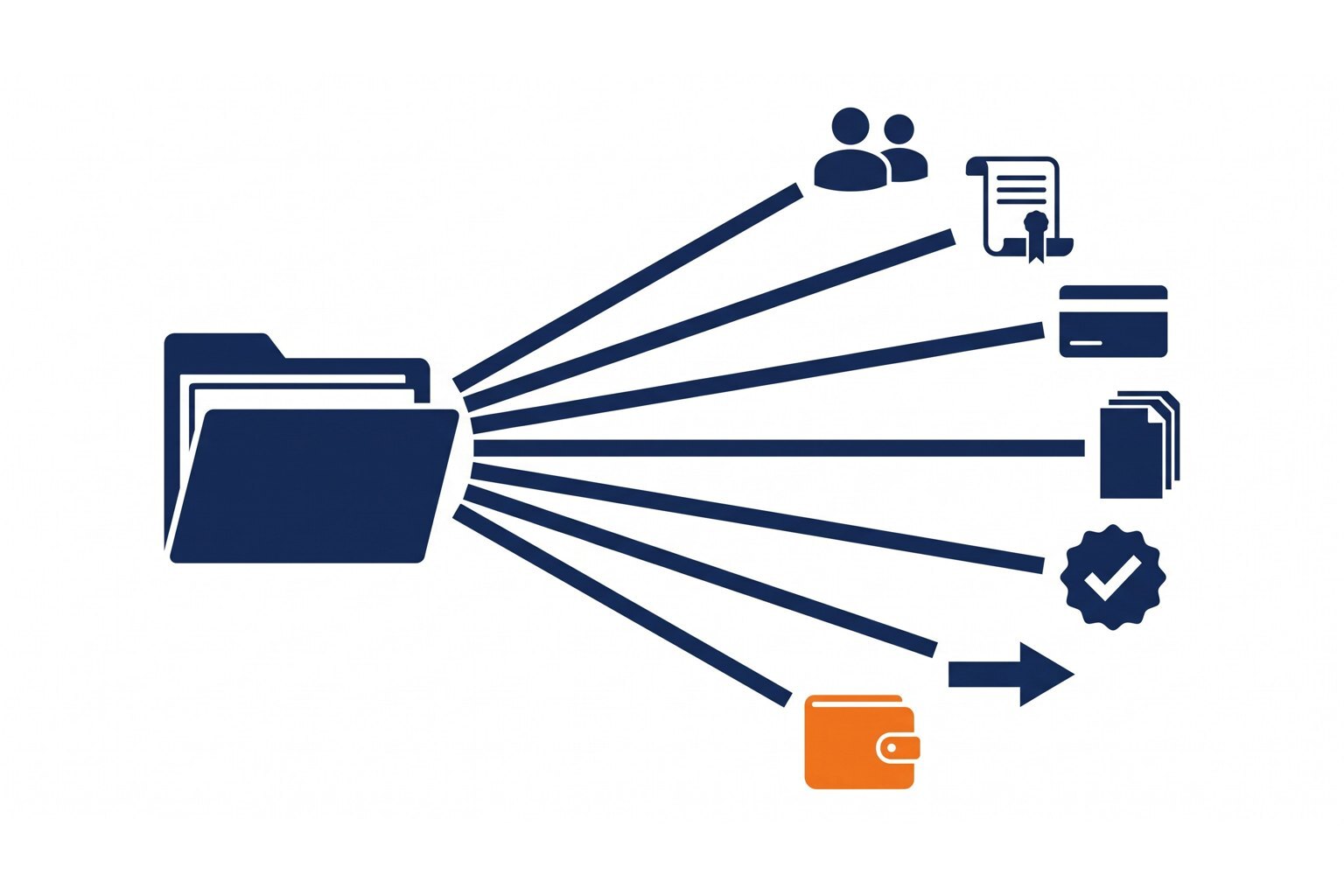
Evaluating HubSpot consulting means deciding how this work will run. A good engagement defines the process, the owners, the information, and the handoffs first. HubSpot is then configured to match those decisions, not the other way around.
Why should signed and onboarding be separate stages?
Your sales pipeline tracks how a prospect reaches an agreement: introduction, discovery, proposal, paperwork, signed. Each stage measures progress toward a decision.
Onboarding runs after that decision. For the Millers, your firm still needs identity and account details, the link between the household and the trust, required documents, internal review, account opening, transfer status, funding confirmation, and client communication. Each account moves at its own speed.
From any one seat, this is easy to miss. The advisor sees a signed agreement. Operations sees missing trust details and a transfer that needs follow-up. Client service sees a new client ready for a welcome email. All three are right, and the household is still only partly onboarded.
Separate stages fix that. A controlled handoff connects sales to onboarding while each keeps its own milestones and completion rules. “Agreement signed,” “account opened,” and “household funded” are different states, and each one needs evidence that the work behind it is done.
HubSpot runs a visible signed-to-funded onboarding process with associated records, stages, tasks, workflows, and status reports. Workflows need a Professional or Enterprise subscription. The custodian stays the system of record for custodial activity, and your portfolio and compliance systems keep their roles. HubSpot coordinates the handoffs and shows shared status from information confirmed in those systems.
Onboarding and funding are two of six client stages, from first introduction to first review. To see how all six run on one record, read our guide: What is the best CRM for financial advisors?
How should the CRM be built around the household?
Implementation starts with your firm’s definitions. What counts as a prospect, a signed client, onboarding, funded, and active? What must be true before a record enters each stage? Tingom Group’s CRM Foundation work starts with an audit and process strategy for exactly this reason.
With the definitions set, design the data structure around the household. How much of the relationship runs in HubSpot is your choice. Some firms run the website, marketing, and sales in HubSpot and keep client service in another system; others run everything in HubSpot. Either way, the household connects each Miller, the trust, the opportunity, the accounts, and the activity history through HubSpot’s standard objects and associations.
Then build how the team works each day. Prospect and onboarding queues show the current stage, owner, next action, missing information, and blocker. A handoff alert tells operations that a signed household is ready for review, and tells the advisor when the team is waiting on the client.
Automate what repeats under a clear rule. Keep judgment calls visible: an entity issue, an unusual ownership arrangement, or conflicting information goes to a person, not through a standard sequence.
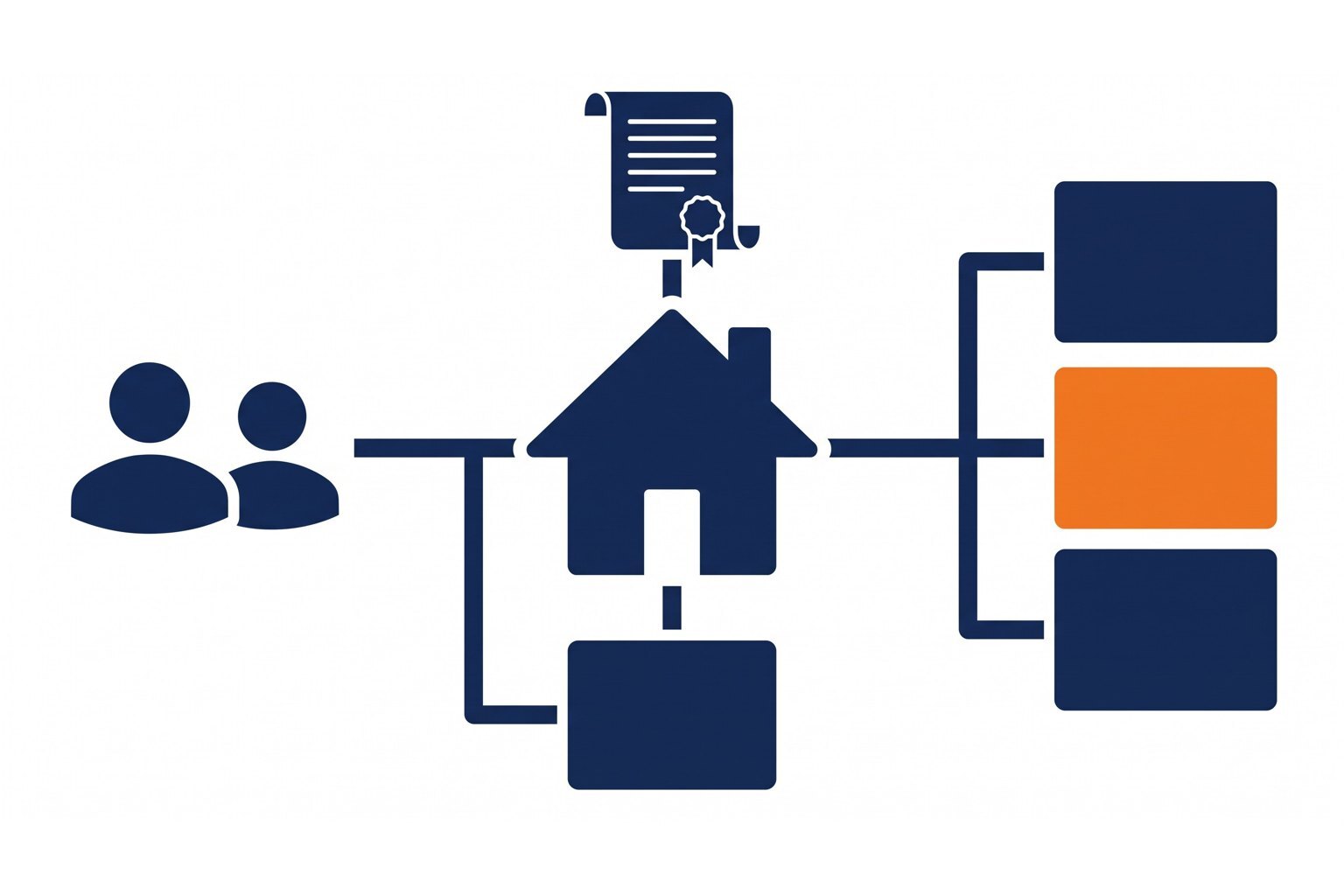
A complete implementation also covers integrations, permissions, reports, training, and administration. Every integration gets matching rules, a defined data direction, error handling, and limits on what enters HubSpot. Reports follow household progress and surface stalled work. Training is role-specific, so advisors, operations, and client service each see how their daily work fits the process.
After launch, a named CRM owner reviews fields, duplicates, associations, workflows, permissions, dashboards, and integrations on a set schedule. When the process changes, the configuration changes with it, in a controlled way, instead of piling up workarounds.
HubSpot earns its place when it gives you ownership, status, and reporting you don’t have today. If another system already does that well, keep it.
Which system should own each type of data?
Before you create a single field, decide which system is authoritative for each type of data. Skip this step, and the Millers’ account status ends up with three versions: HubSpot’s, the custodian’s, and an operations spreadsheet’s.
Use this boundary map as your starting point:
Miller household data | System of record | HubSpot’s role |
|---|---|---|
People, household, entities, relationship history | CRM, based on firm policy | Maintain context and associations |
Custodial accounts and funding status | Custodial or onboarding platform | Show selected status for coordination |
Holdings, balances, performance, and billing | Portfolio, performance, or billing system | Link to the source or display limited workflow data |
Required records, preserved communications, and supervisory evidence | Approved compliance archive or designated recordkeeping system | Support approved communications and related activity context |
Client-service work | Firm-designated service or work-management system | Coordinate requests, tasks, and handoffs where appropriate |
HubSpot coordinates prospecting, relationship context, communications, tasks, and selected operational reporting. Its one-way and two-way data sync options move approved fields between connected applications. For every synced field, document the source, direction, matching key, owner, refresh timing, and conflict rule. When two systems disagree, your team already knows which one wins and who resolves it.
Your compliance professionals set the regulatory, supervision, communication, and records-retention rules; the CRM design follows them. Electronic records need controls that protect them from loss, alteration, destruction, and unauthorized access while keeping them complete, legible, and retrievable, and state rules can add to that. A CRM configuration is not compliance approval or legal advice. Tingom Group’s HubSpot implementation work connects CRM infrastructure to the firm’s operating process, while specialized advisory systems keep their authority.
Who owns each handoff, and what happens when it stalls?
With system boundaries set, decide who moves the Millers through each step. A common role map: the advisor owns relationship and recommendation conversations, operations owns onboarding steps and exceptions, and marketing owns approved prospect and client communications. Confirm it against your own supervisory structure.
For every handoff, document:
- the named owner
- the event that triggers the handoff
- the information required before work begins
- the next action
- the condition that confirms completion
- the path for exceptions or missing information
When the Millers move to “signed,” HubSpot assigns operations an onboarding task as soon as the required relationship details are present. Operations runs the paperwork and transfers. An exception involving the trust, an authorized party, or a missing document goes to the firm’s designated reviewer. Account opened, funded, and welcome complete are separate completion points.
HubSpot assigns record owners and rotates assignments through workflows, creates tasks, and sends internal notifications. Access to records, activities, and workflows is set separately through permissions.
That is the work a consultant does with your team: make the role and escalation decisions, test what your HubSpot account supports, configure the approved design consistently, and train people to work from assigned records and next actions. The result: you see who owns the work without searching an inbox or asking around.
What should onboarding reports show?
A good dashboard shows where signed-to-funded work needs attention. HubSpot reports across record properties, activities, and associated objects.
Start with six measures:
- signed opportunities that have not entered onboarding
- time spent in each defined onboarding step
- records missing required household, entity, or account information
- work without an owner or documented next action
- exceptions awaiting review or resolution
- repeated work caused by incomplete or incorrect information
Set your own timing and escalation thresholds from your process, staffing, custodians, and supervision; universal benchmarks don’t apply. A polished dashboard won’t fix inconsistent definitions or incomplete records. The report is dependable when the work underneath it is.
Review exceptions and data quality on a recurring cadence: confirm owners, clear stale actions, correct incomplete records, and assign follow-up. On a set schedule, step back and review stage definitions, permissions, workflows, integrations, reports, adoption, and maintenance priorities. Field-level permissions limit who can edit critical properties.
Clean, governed data also sets the limit on AI. AI summaries and suggestions help with review only when the records are complete and current. Control access to AI features, monitor their use, and require human review before AI output informs a client or operational decision.
How do you compare HubSpot consultants for an RIA?
Judge a consultant by how they learn your process before they talk about configuration. Ask each one to explain how they will:
- learn your current prospect, household, entity, review, onboarding, and funding workflows before configuring HubSpot
- define which data belongs in HubSpot and which systems remain authoritative for custody, portfolios, compliance records, and other specialized functions
- handle implementation, integrations, customization, automation, reporting, permissions, testing, and ongoing maintenance
- train advisors, operations staff, and marketing or client-service users, then coach the team through adoption
- govern changes after launch, including who approves new fields, workflows, reports, permissions, and integrations
Listen to their questions. A strong partner asks how a signed household moves through your firm, where account status comes from, how exceptions are handled, and what evidence confirms completion. One who jumps straight to workflows and dashboards is skipping the decisions that make those features work.
Ask for references or work examples you can verify, and ask who will do the discovery, architecture, configuration, training, and support. Credentials help with screening; RIA workflow fluency shows up in the discovery questions.
Compare proposals on equal scope. Each one states responsibilities, assumptions, exclusions, documentation, training, launch criteria, and post-launch support. Price follows the condition of your data, migration, integrations, customization, and governance. A low generic estimate often leaves out cleanup, testing, documentation, or training, and published price benchmarks mix very different projects.
A good consultant also tells you when HubSpot isn’t the answer: when it would duplicate a system you already trust, need more administration than your team can support, or not match your workflow.
Where should you start?
Pick one recent client and follow the record from signed agreement to funded. Compare the record with what actually happened. Where did someone re-enter information, wait on an unassigned decision, rely on memory, or stop trusting the report? Where did the client repeat something your firm already knew?
One household is enough to find the gap: an unclear definition, missing information, weak ownership, or a system limit. That tells you whether you need a process change, a HubSpot configuration change, or a different tool.
We know what it’s like when the business grows faster than the system, and everything still runs through you. We co-founded a financial practice with multiple advisors and staff serving more than 450 households, so we’ve run these handoffs ourselves.
Without a clear handoff, signed households wait and nobody owns the next step. With one, every client moves from first call to onboarded, with a named owner at each step.
Want to see which stage your households wait in?
Get the free 6-Stage Client Lifecycle Management Checklist. If the gap is already clear, book a free Discovery Call.
Book a free Discovery CallGet the free 6-Stage ChecklistSources
- CRM for Financial Advisors | Tingom Group — Tingom Group
- Clean CRM Implementation | Enhance Compliance and Trust ... — Tingom Group
- Manage your data model — HubSpot Knowledge Base
- Sync custom objects between HubSpot and data sync apps — HubSpot
- NASAA Recordkeeping Requirements For Investment Advisers Model Rule 203(a)-2 — North American Securities Administrators Association
- HubSpot Implementation | Align Your Business Operations | Tingom Group — Tingom Group
- Assign and rotate record owners using workflows — HubSpot
- Create reports with the custom report builder - HubSpot Knowledge Base — HubSpot
- Maintain a trusted source of customer data — HubSpot
- Book a Discovery Call — Tingom Group