
Make HubSpot a system your team can trust.
Your CRM is either a trusted system of record or the reason every basic question turns into a search party. CRM Foundation cleans, structures, and simplifies HubSpot so your team can find the answer without routing everything through you.
Start with the GTM Gap Finder →A simple first step to see where your CRM foundation is creating friction.

The High Cost of a Messy CRM
When HubSpot does not know the business, every decision runs through people.
A weak CRM foundation creates friction in reporting, handoffs, client records, compliance-sensitive workflows, and daily team adoption.
Compliance exposure
In compliance-sensitive businesses, dirty CRM data is not just an operations problem. If records are incomplete or hard to produce, the business carries avoidable risk.
You are the system
When HubSpot does not hold the full picture, questions about clients, deals, or handoffs get routed to whoever remembers the context.
Unreliable reporting
Dashboards become hard to trust when the data underneath them is stale, inconsistent, duplicated, or disconnected from the real process.
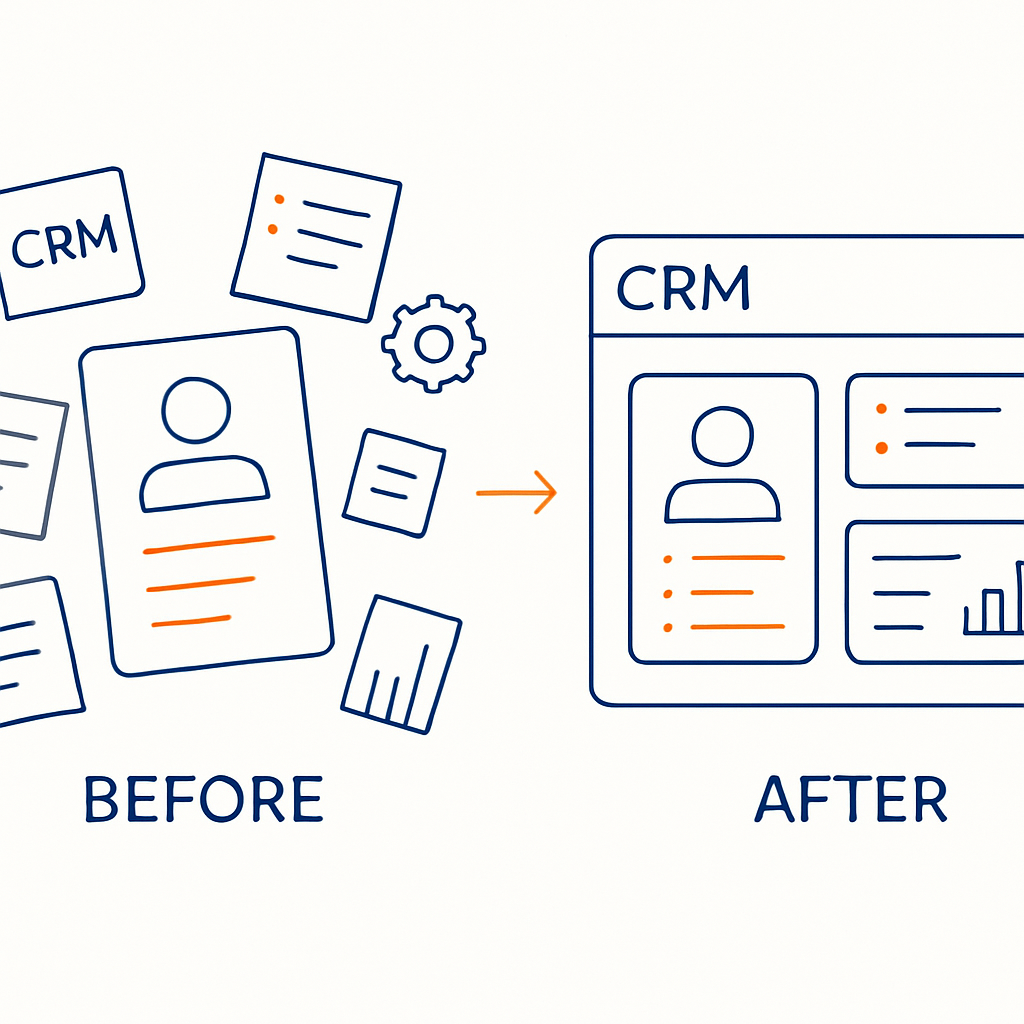
A Usability-First HubSpot Partner
Setup is not the same as a system your team can use.
Anyone can turn on HubSpot features. CRM Foundation is about making the portal match how your business actually operates: the records, stages, workflows, views, permissions, and handoffs your team needs to trust the system.
Useful for teams where clean records, ownership, and visibility matter.
A CRM is only useful if people use it. The structure should reduce friction, not add to it.
Instead of one big confusing change, we move through practical phases that keep the business operating.
Your Path to a Clean, Trusted CRM
A structured implementation path without the chaos of a full rebuild.
We follow a practical three-step process so you know what is being built, why it matters, and how the team should use it.
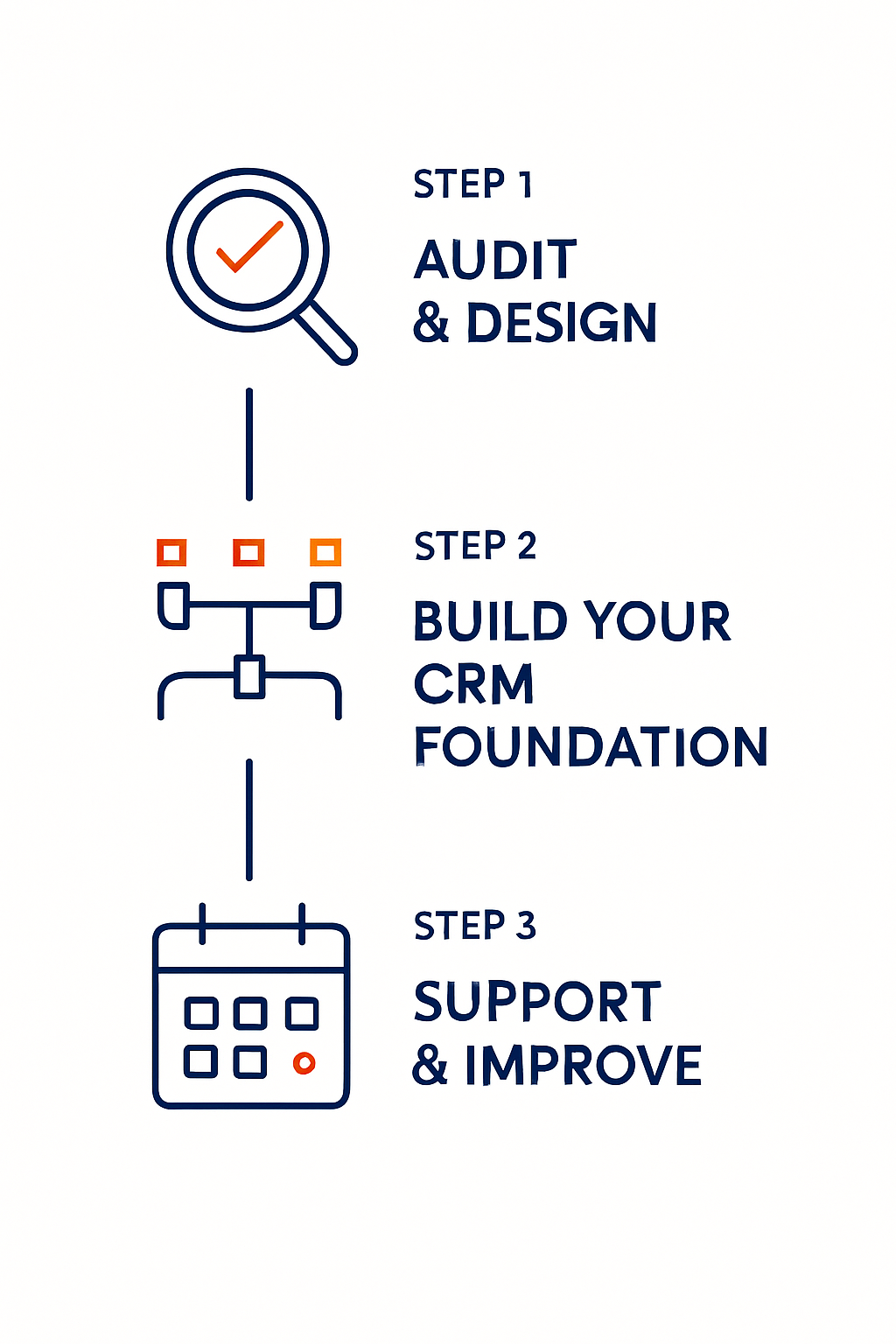
Audit and design
Map how your team sells, what the CRM needs to show, and where the current structure is creating friction.
Technical implementation
Configure fields, views, deal stages, permissions, imports, and cleanup work needed to create a usable base.
Momentum and governance
Keep the system clean, refine reporting, and support adoption as the business and team evolve.
No full rebuild unless you truly need it. Just a clear, structured cleanup designed for team adoption and data integrity.
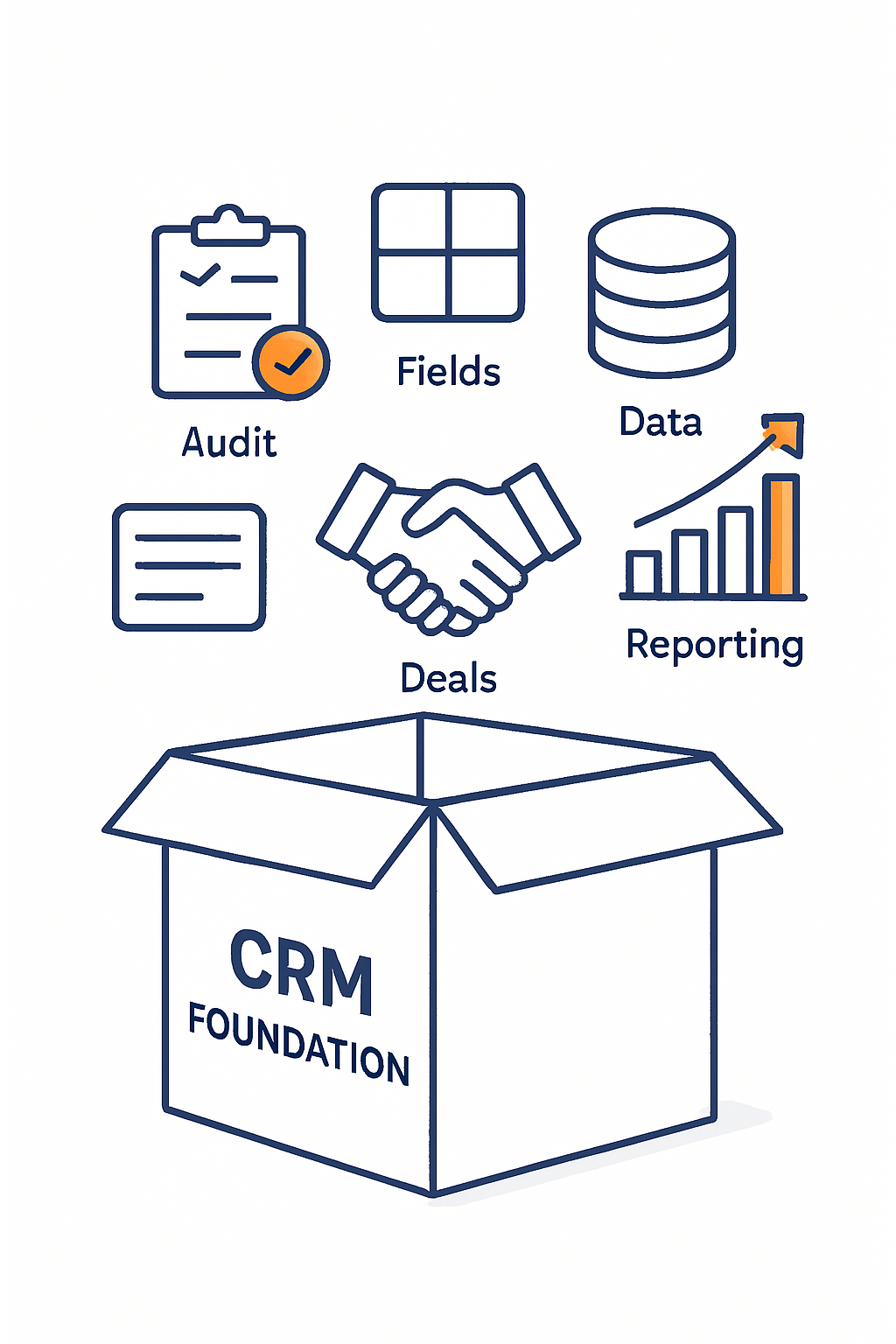
What Is Included
CRM Foundation deliverables
We do not just “set up HubSpot.” We build the practical foundation your team needs to trust, use, and grow on.
Phase 1: One-Time Implementation
Sales audit and strategy
Map your real-world sales process and define the critical metrics your CRM needs to support.
Fields and views
Create only the fields and saved views your team needs to work clearly and consistently.
Deal stage architecture
Align stages with clear definitions and exit criteria so pipeline movement means the same thing across the team.
Data import and cleansing
Normalize records, reduce duplicates, and import clean data so HubSpot starts from a stronger source of truth.
Technical administration
Configure permissions and admin-level settings so the system is easier to manage from day one.
Phase 2: Ongoing Monthly Momentum
Once the foundation is set, we keep the engine tuned and aligned with your team as the business changes.
Project management
Prioritization and organization to keep HubSpot improvements moving forward.
Reporting and review
Review dashboards, adoption signals, and next improvements as the system matures.
Expected Outcomes
Operational clarity from a cleaner CRM foundation.
Your CRM should know more about the business so your team has to ask you fewer basic questions.
Cleaner records: Contacts, companies, deals, and activity become easier to understand and maintain.
Data confidence: Leaders can make better decisions because the inputs behind reports are more reliable.
One version of the truth: The team has less need to compare spreadsheets, inboxes, and side notes.
Less founder translation: HubSpot carries more context so fewer decisions depend on one person holding the whole picture.
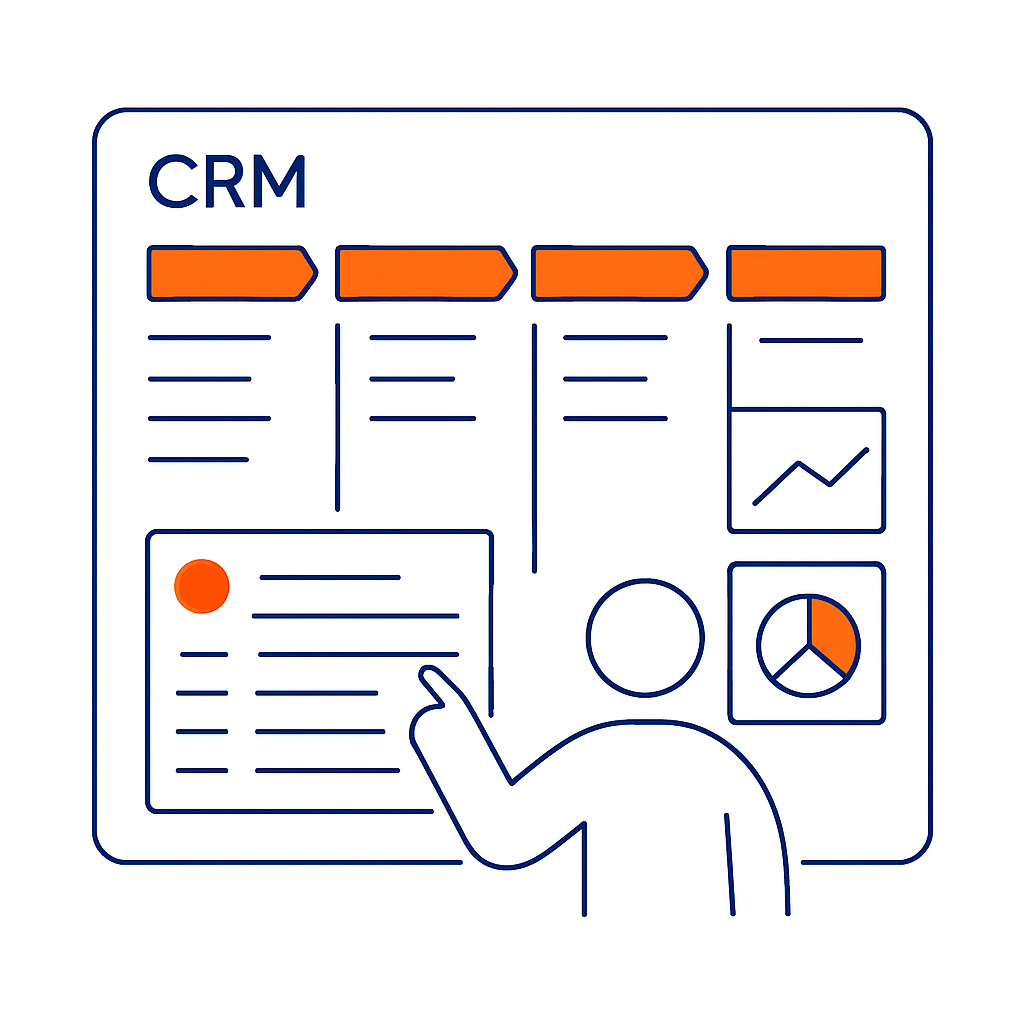
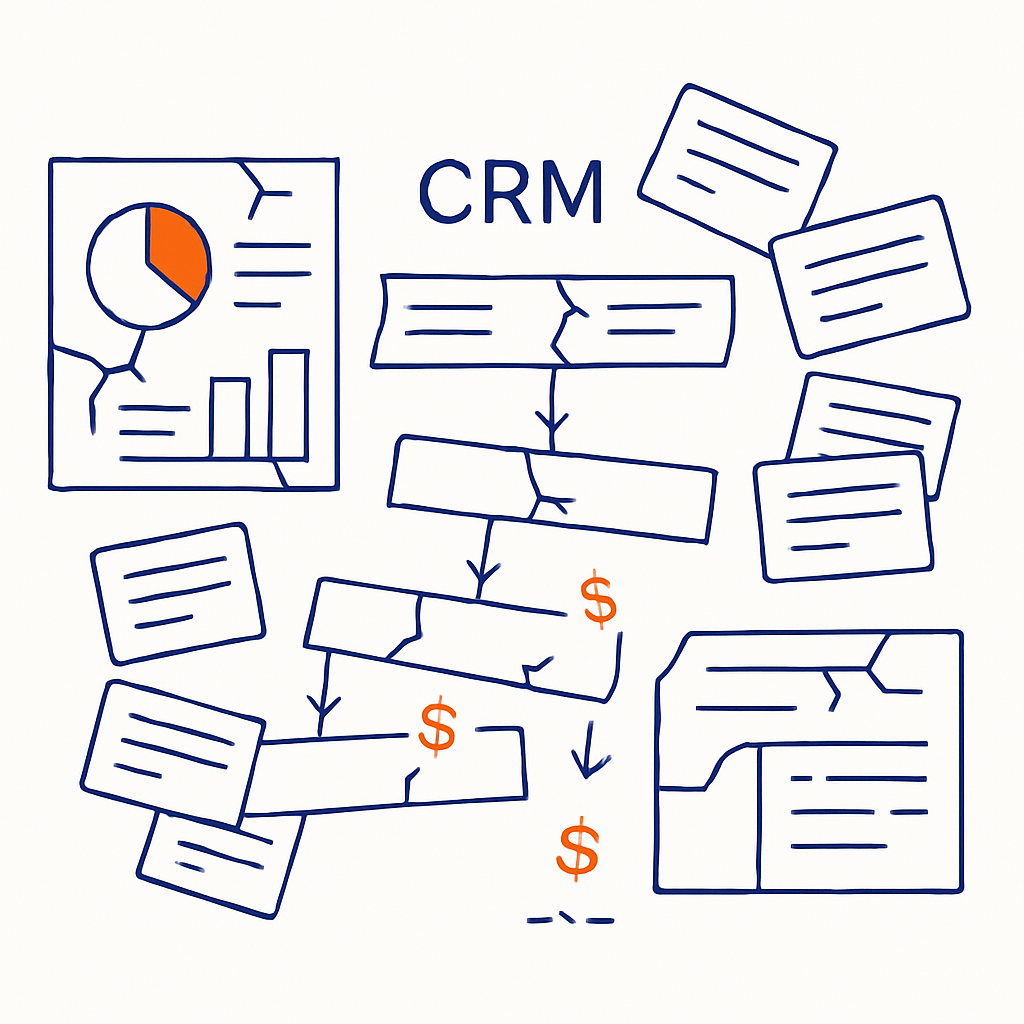
The Hidden Cost of CRM Chaos
When the foundation is shaky, every improvement takes longer.
Inaction is not neutral. A messy CRM slows growth, creates avoidable confusion, and makes every future improvement harder to deliver.
Revenue leakage
When the team works around the CRM, visibility drops and follow-up becomes harder to manage.
Leadership blindness
Forecasts become guesses when leaders do not trust the inputs behind the dashboard.
Operational friction
New hires, handoffs, and improvement projects all slow down when the CRM is hard to understand.
FAQ
Common questions
Do we need to already be on HubSpot?
No. We can support a migration from another CRM or help you start fresh in HubSpot.
Will this disrupt our current sales work?
The work is designed to minimize disruption. Cleanup and configuration can often happen in stages so the team can keep moving.
What if our process is still evolving?
That is normal. We build flexible stages, fields, and views so your CRM can evolve with the business instead of locking you into brittle structure.
Can we handle the data import ourselves?
You can, but most teams benefit from support because imports can create new problems if duplicates, formatting, lifecycle stages, and ownership rules are not handled carefully.
What happens after the initial work?
Ongoing support can help refine reports, adjust fields, improve adoption, and keep the CRM clean as your team and process change.
Start with clarity
Find the CRM gaps before you rebuild around them.
Use the GTM Gap Finder to identify where your HubSpot portal, CRM foundation, sales process, handoffs, and reporting are losing clarity.
Start with the GTM Gap Finder →Prefer to talk first? Book a Discovery Call.